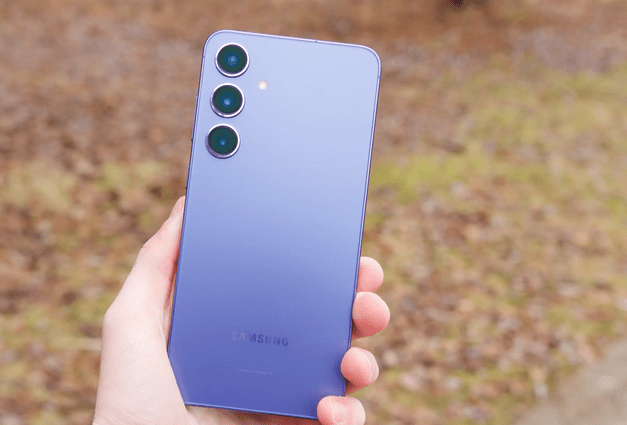
Today in this article we would discuss how to Update Galaxy S GT I9000 with Galaxy S3 themed Custom ROM Firmware. This themed Rom is just a copy of GALAXY s3 user interface. This themed custom ROM firmware comes with the enhanced capabilities like Skorpion S2 kernel, over clockable to 1.4GHz and also it will give a FREE RAM of around 343 MB. This is not an official firmware update so some bugs expected. Let’s check out the procedure to install this update.
Read our full article to know the installation procedure:
Themed apps
- Agenda
- Messages
- Calculator
- Camera
- Contacts
- Downloads
- Evernote
- FM-Radio
- Gallery
- Settings
- Browser
- Clock
- MP3-Player
- Opera Mini
- Google Talk
Other apps
- Apex Launcher
- Evernote
Not working
- Video Camera
- HD Video Playback
- Vibrator
- Microphone in applications.
- Lots of other minor stuff.
1. Galaxy S GT I9000 must be rooted and must have running XXJW4 firmware.
2. Backup all your data properly, so that after applying this firmware you can restore all your data back to its own place. You can take help from this Titanium Backup tool
2. Charge your battery at least 80% so that no power interruption during the process.
3. Enable the USB Debugging in your Galaxy S GT I9000 from the path “Settings > Applications > Development > USB debugging”. The USB Debugging option should be ticked.
4. Disable all security programs like antivirus and firewall. Also disable Samsung Kies.
5. Download S3 themed Custom ROM
Step1. First connect your Galaxy Nexus i515 into your PC with the help of original USB cable.
Step2. Now, copy the above downloaded .zip file (S3 themed Custom ROM) into the root directory of the phone internal memory.
Step3. Now switch off your device so as to enter in recovery mode. You can enter by pressing the Volume Up button + Home key button. While holding these both buttons, you need to turn ON your device.
Step4. In the recovery mode, select “install zip from sd card” > “choose zip from sd card” and then choose the “Galaxy S3 themed custom ROM Firmware” which you have copied in the phone. This will take some time.
Step5. As the firmware is applied successfully, select the option “++++Go Back++++” and then choose the option of “Reboot system now”. The phone will automatically restart.
That’s it now your device after restart land on new Custom rom.
Other reached here searching for:
- galaxy s gti9000 firmware with fm radio option, gt i9000 rom s3, gt-9000 official ROM, how to update samsung galaxy s i9000 to s2, i9000 için s3 romu, samsung s3 firmware for samsung gti9ooo, theme custom rom gingerbread s gt i9000