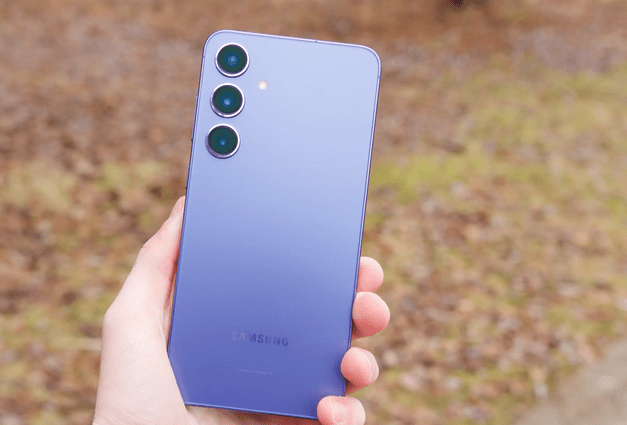
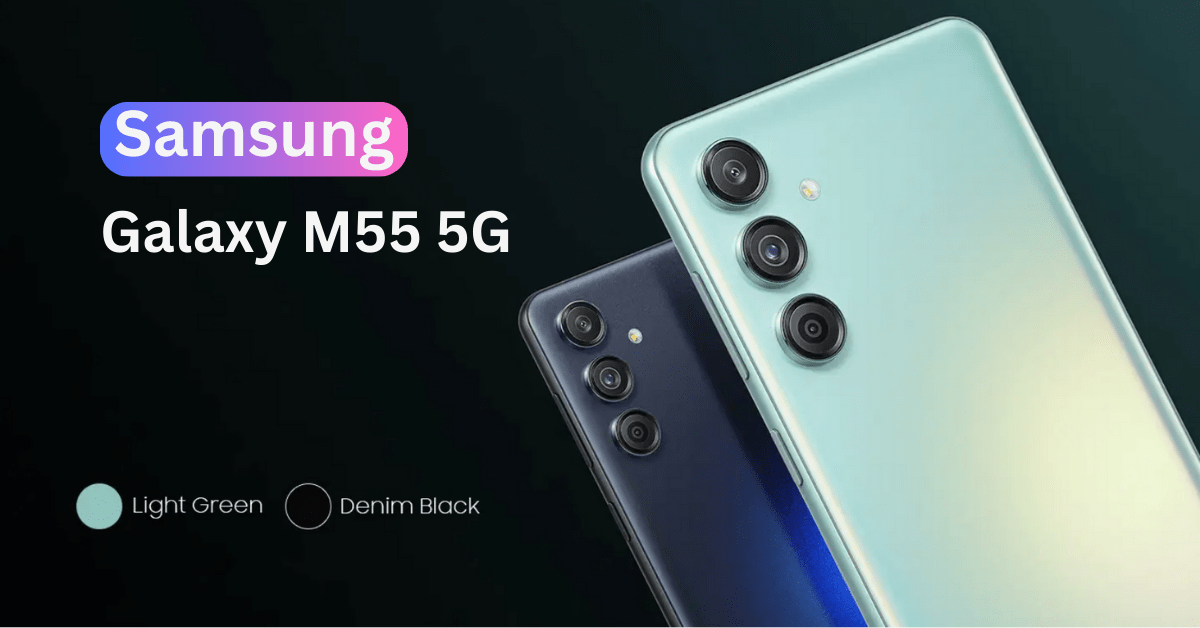
Samsung Galaxy S2 users who are on the XWLPG firmware can now root their phone. You can root it with CF-Root kernel for the XWLPG firmware which has been developed XDA Elite Recognized Developer Chainfire. It will also help you to install ClockworkMod (CWM) Recovery on it, which enables you to install many custom ROM’s and apps released often on.
The below guide will help you to root your Samsung Galaxy S2 I9100 with CF-Root kernel running on XWLPG firmware, it will also help you to install ClockworkMod (CWM) recovery on your device. Follow the steps carefully mentioned below.
Warning: Following the below mentioned procedure may damage or brick your completely, for which neither we nor the developer should held responsible. Though there are very less chances of happening so, but just in case if you face any problem we will help you out from the same.
Pre-Requisites:
- The below mentioned procedures are only for the users who own Samsung Galaxy S2 I9100.
- Minimum charge left with your device should be 70%, so that there is no Power interruption during the process.
- Disable all security programs like Firewall and Antivirus from your computer and uninstall the same from your device, as these security suites generally tend to interrupt the process.
- Enable USB debugging in your Samsung Galaxy S2 from the path “Settings > Applications > Development > USB debugging”. The option of USB Debugging should be ticked.
- Download CF-Root kernel and Odin from here to your computer and extract them too.
Procedure to Root and Install CWM Recovery on Samsung Galaxy S2 I9100:
1. Open Odin and reboot your phone your phone to enter into Download Mode. Download Mode in Samsung Galaxy S2 can be entered by pressing the Volume Down key + Home key and while holding both simultaneously press the Power key to enter into Download Mode.
2. Connect your Galaxy S2 with the help of original USB cable and then you will see that the ID: COM section has Yellow in Odin.
3. Now, click on “PDA” button to select the “CF-Root-SGS2_XW_NEE_LPG-v5.5-CWM5.zip” from the extracted files. Now, click on “Start” to begin the rooting process.
4. After few minutes the installation procedure will complete and the phone will reboot automatically and when you see the Home Screen or language preference setting option on your screen, disconnect your phone.
Congratulations, you have successfully rooted and installed CWM recovery on your Samsung Galaxy S2 I9100 Smartphone. Share your joy with us or let us know if you face any issue, we will try to resolve them as early as possible and by the best way out.
Other reached here searching for:
- cf-root for galaxy mini s2, svmsung galaxy s2 lpg root new versions, galaxy s2 lpg root, samsung galaxy s2 lpg root, rooting s2 bulpg, samsung galaxo inlpg, samsung galaxy s 2 19100 xwlpg kernel, samsung s2 which lgp, xwlpg galaxy s2 root, root xwlpg galaxy s2, root samsung galaxy stratosphere s2 android 4 0 4, root samsung galaxy s2 bulpg, how to install android 4 1 2 jelly bean xwlpg firmware, download rom jelly bean 4 2 2 for s2 new xwlpg, download kernel lpg, chainfire cf root bulpg, cf-root xwlpg kernel, cf-root lpg sg2, cf-root lpg kernel, xwlpg stock kernel download


Is there any way of rooting the galaxy s2 ZSLPG firmware? Plz help
this help me back my wifi problem after i rooted my s2.. so helpful thank you so much.
Fantastic. After 20 misguided other posts, this one works.